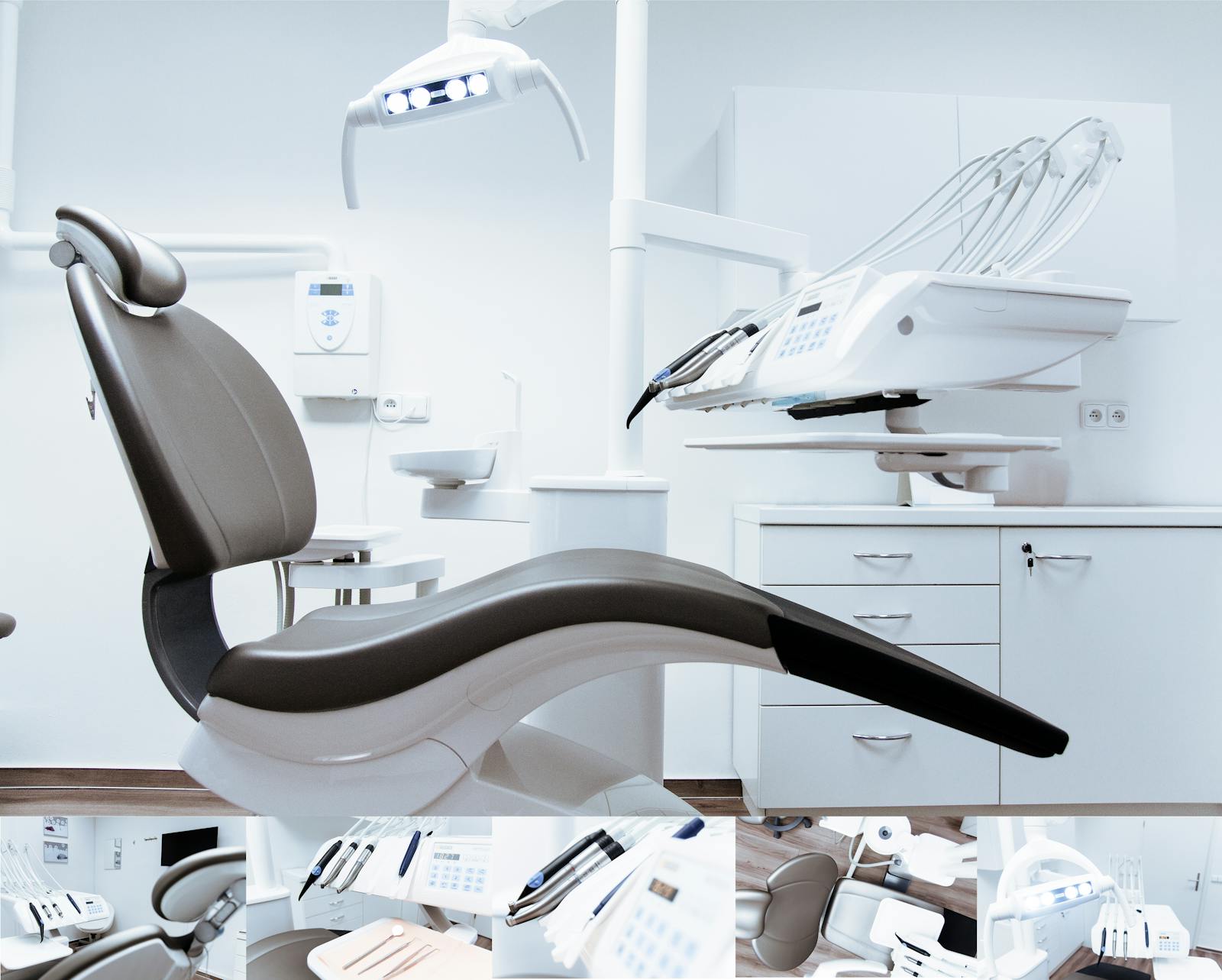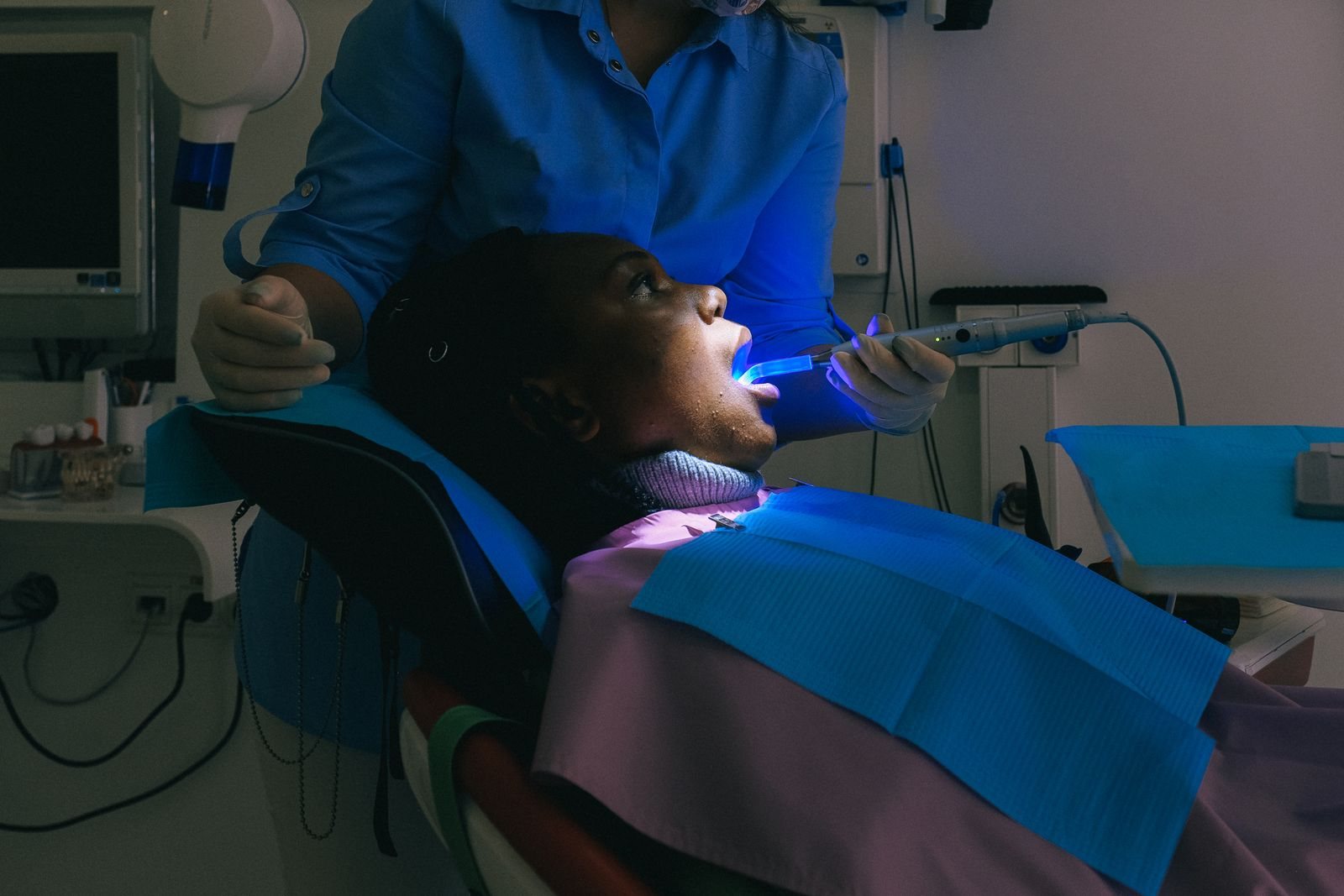
It is 7:45 on a Tuesday morning. The lights are coming on at a busy dental clinic, and before a single patient walks through the door, the day is already organized. The calendar filled itself overnight — a cancelled slot was offered by SMS to a patient on the waiting list, who accepted it from her phone while making dinner. Reminders went out yesterday. The receptionist can see exactly who is coming, which chair they are booked into, and who still owes a balance.
None of this required anyone to come in early. That is the quiet promise of good dental clinic management software: the practice runs on rails, and your team spends its energy on patients instead of paperwork.
This is a complete tour of DentalKing Software's features — not as a list of modules, but as a working day in a real clinic. If you have ever wondered what "all-in-one dental software" actually means hour by hour, this is it.
Before the Doors Open: Scheduling That Fills Itself
Every day starts in the calendar, so DentalKing's calendar works the way a front desk actually thinks.
You see the day as side-by-side room columns — one live column per treatment chair — with day, week, month and list views a click away. Appointments are colour-coded by provider, room or service, and rescheduling is drag-and-drop, with double-booking protection that politely refuses to let two patients claim the same chair. Because the calendar is live, a change made by anyone appears on every other screen in the branch within a second. No refreshing. No "who moved this?"
Patients can book themselves, too. The public online booking page shows real, live availability — they pick a provider, a day and a time, verify their identity, and the appointment lands on your calendar as if the front desk had typed it. Both the patient and the clinician get an SMS confirmation, and automatic reminders go out the day before.
Then there is the feature clinic owners tend to fall in love with: the smart waiting list. When a patient cancels, DentalKing does not wait for someone to notice the gap. It finds the best-matching patient on your waiting list — by urgency, preferred provider and preferred times — and texts them a private, single-use link to claim the slot, with a countdown. If they decline or the offer expires, it moves to the next candidate automatically. Empty chairs get refilled overnight and on weekends, without a single phone call.
The Front Desk: Check-Ins Without Chaos
At 8:00 the first patients arrive, and the queue system takes over. Walk-ins and online registrations join today's queue automatically, the receptionist can see exactly who is next, and nobody gets skipped. When a patient checks in, the clinical team hears a soft chime and sees who has arrived — wherever they are in the software.
New patients register in seconds, or better, register themselves: online patient registration (including a QR code patients can scan in your waiting room) captures their details and medical history before they ever reach the desk. Every patient record carries a photo, contact details, insurance cover and a complete visit history — searchable by name, number, phone or neighbourhood in one box.
In the Chair: Clinical Records That Think Like a Clinician
This is the heart of DentalKing, and it is where the software stops looking like admin and starts looking like dentistry.
The 3D dental chart renders every tooth photorealistically, with findings charted per surface and colour-coded so a glance tells the story: caries here, a planned extraction there, an implant in titanium grey. Permanent and deciduous charts are separate, DMFT scores calculate live as you chart, and a double-click opens any tooth in a rotatable 3D inspector. Clinical notes can be typed — or handwritten with a stylus on a tablet, exactly like paper, except this paper never gets lost.
Gum health gets specialist-grade treatment. Periodontal charting records six sites per tooth with clinical attachment level calculated automatically, one-click filters highlight bleeding sites and deep pockets, and every chart compares against the last visit so progress is visible, not remembered. Periodontal risk assessments score each patient's long-term gum disease risk on a spider diagram and recommend a recall interval, while the supportive periodontal therapy calculator turns pocket percentages into a maintenance schedule. Orthodontic cases get their own guided six-tab workup, from TMJ evaluation to a radiograph request checklist.
Treatment planning is where patients start saying yes. Procedures group into named stages with target dates and costs, progress bars show how far along a plan is, and a stage can be emailed to the patient with prices attached. Completed procedures flow straight into billing — and, as we will see, straight out of your stockroom.
Around the chair, everything else a clinician needs is one click away: prescriptions with reusable templates (sent to patients by SMS, email or WhatsApp as a secure link with a PDF), vital signs plotted on trend charts, a per-patient imaging library for photos, X-rays and 3D scans with a measuring-and-annotation viewer, and digital consent forms signed in the chair — or remotely, on the patient's own phone, through a secure link. The exact text a patient agreed to is frozen into the record forever.
The Money Side: Payments Without Leakage
Back at the desk, a patient is checking out. Their completed procedures are already waiting in the payment cart, priced from your own list — nothing forgotten, nothing double-billed. The receptionist takes full or part payment, and the patient's phone buzzes with an SMS receipt: total amount, amount paid, balance remaining, who received the payment, and at which branch. That one message has ended more "but I paid cash last week" conversations than any policy ever written.
A word on how SMS works, because clinics ask: messages go out through your own SMS gateway provider in your country, under your own sender name, at local rates — and DentalKing customizes the integration for you free of charge. You stay in control of your SMS credits and costs.
For bigger treatment decisions, online quotations do the persuading. Send a priced estimate by email (with a branded PDF), SMS or WhatsApp; the patient accepts or declines from their own phone through a secure link; and an accepted quote converts to an invoice in one click. Quotes expire automatically with a reminder beforehand, edits create new versions instead of rewriting history — and for the first time, you actually know your quote-to-treatment conversion rate.
The rest of the financial picture is just as accountable. Insurance claims build from the patient's cover details and your price list. Mistakes get fixed with permission-gated reversals that demand a typed reason and appear in dedicated audit reports. Petty cash runs through expense memos with monthly category limits enforced as staff type. And every action — every payment, every edit, every reversal — lands in the activity log with who, what, when and where.
The Back Office That Runs Itself
Here is a feature most dental software never attempts: when a clinician marks a filling complete, DentalKing quietly deducts the composite, the gloves and the anaesthetic from stock — using the batch closest to expiry first — and attributes the cost to that procedure and that clinician. No stock forms. No end-of-month guesswork. Just a usage ledger that knows the true material cost of every treatment, and a utilization report that shows what each health professional used and what it cost.
Stock control covers the whole loop: consumable batches with expiry dates and unit costs, reorder-level alerts, purchase orders with receiving, and stock reports you can download as Excel or PDF. Lab work is tracked the same way — create a lab case, attach the digital scan and photos, and DentalKing emails the lab everything in one action, then chases due dates for you with automatic alerts.
Above it all sits a reports library — payments, transactions, patients owing, profit by product, services revenue, staff activity and more, each printable on your clinic letterhead, each filtered by date range, each exportable.
Growing the Clinic on Data, Not Guesswork
At 6pm the clinical day ends, but the software keeps working.
Marketing insights answer the question every owner asks: where do my patients actually come from? Every patient is tagged with an acquisition channel at registration, so you can see patient counts, revenue, outstanding balances and cost per patient for every channel — and stop spending on the ones that only look busy.
Meanwhile, patient engagement runs on autopilot. Aftercare and recovery tips go out a few days after treatment. A patient who missed an appointment gets a friendly "we missed you" message with your booking link. Attended patients are invited to rate their visit — privately, into your own dashboard, with per-provider satisfaction reports. Follow-up stops depending on whoever remembered to do it.
The Guardrails: Security, Privacy and Peace of Mind
Everything above only matters if the data underneath is safe, so DentalKing treats security as a feature you can see.
Staff sign in with a password, a one-time code — or a passkey: fingerprint, face or device PIN, with nothing to phish and nothing to forget. Two-factor authentication and login alerts are a toggle away, every staff member can see the devices signed in to their account, and role-based access control means each person sees exactly what their job requires — down to masking prices from roles that should not see money.
Your data is protected in depth: clinical notes and patient media are encrypted at rest, the system takes automated backups, and clinical records are never hard-deleted. When a patient asks for their data, one click exports everything you hold on them as a printable report, an Excel workbook or JSON; when they ask to be forgotten, irreversible anonymization removes every identifier while preserving the clinical history you are required to keep.
And because ambitious clinics grow, DentalKing is multi-branch by design — each location keeps its own identity and pricing while owners see the whole group in one view — and multi-language, with six interface languages and multi-currency billing.
One Plan, Everything Included
Here is the part that surprises people after a tour like this: there are no tiers. Every feature in this article — the 3D charting, the smart waiting list, the quotations, the stock automation, the security suite — comes in one plan, priced per location, starting with a 14-day free trial that needs no credit card.
Two programmes make the door even wider: newly opened clinics run DentalKing free for their first 3 months (with a possible extension), and clinics switching from another software get 30% off their entire first year.
The full catalogue, with screenshots of every module, lives on our features page — and if you would rather see it live, book a demo and we will walk you through your own working day, rebuilt in DentalKing.
Frequently Asked Questions
What features are included in DentalKing dental clinic software?
Everything in one plan: patient records, 3D dental charting, periodontal and orthodontic modules, treatment plans, prescriptions, appointments with online booking and a smart waiting list, billing with SMS receipts, online quotations, insurance claims, consumables and stock automation, lab case tracking, marketing analytics, patient engagement, role-based access control, passkey and 2FA login, activity logging and automated backups.
Is DentalKing suitable for a small, single-location dental clinic?
Yes. The same plan fits a single-chair practice or a multi-branch group — pricing is simply per location, and there are no locked-away features to upgrade into. Newly opened clinics can even start with 3 months free.
Does DentalKing work offline?
No — DentalKing is cloud-based and needs a reliable internet connection. In return, your records are available from any branch or device, protected by encryption and automated backups rather than a single office computer.
How does the 3D dental charting work?
Findings are charted tooth by tooth and surface by surface on a photorealistic 3D chart, with colour-coded diagnoses and planned procedures, separate permanent and deciduous charts, live DMFT scoring, and a rotatable 3D inspector for any single tooth.
Can patients really accept treatment quotes from their phone?
Yes. Quotations go out by email, SMS or WhatsApp with a secure link; the patient verifies their identity, then accepts or declines. Accepted quotes convert to invoices in one click, and the software tracks your conversion rate.
How do I try DentalKing?
Start a 14-day free trial — full access, no credit card — or schedule a demo and we will show you the software live on your own clinic's workflow.