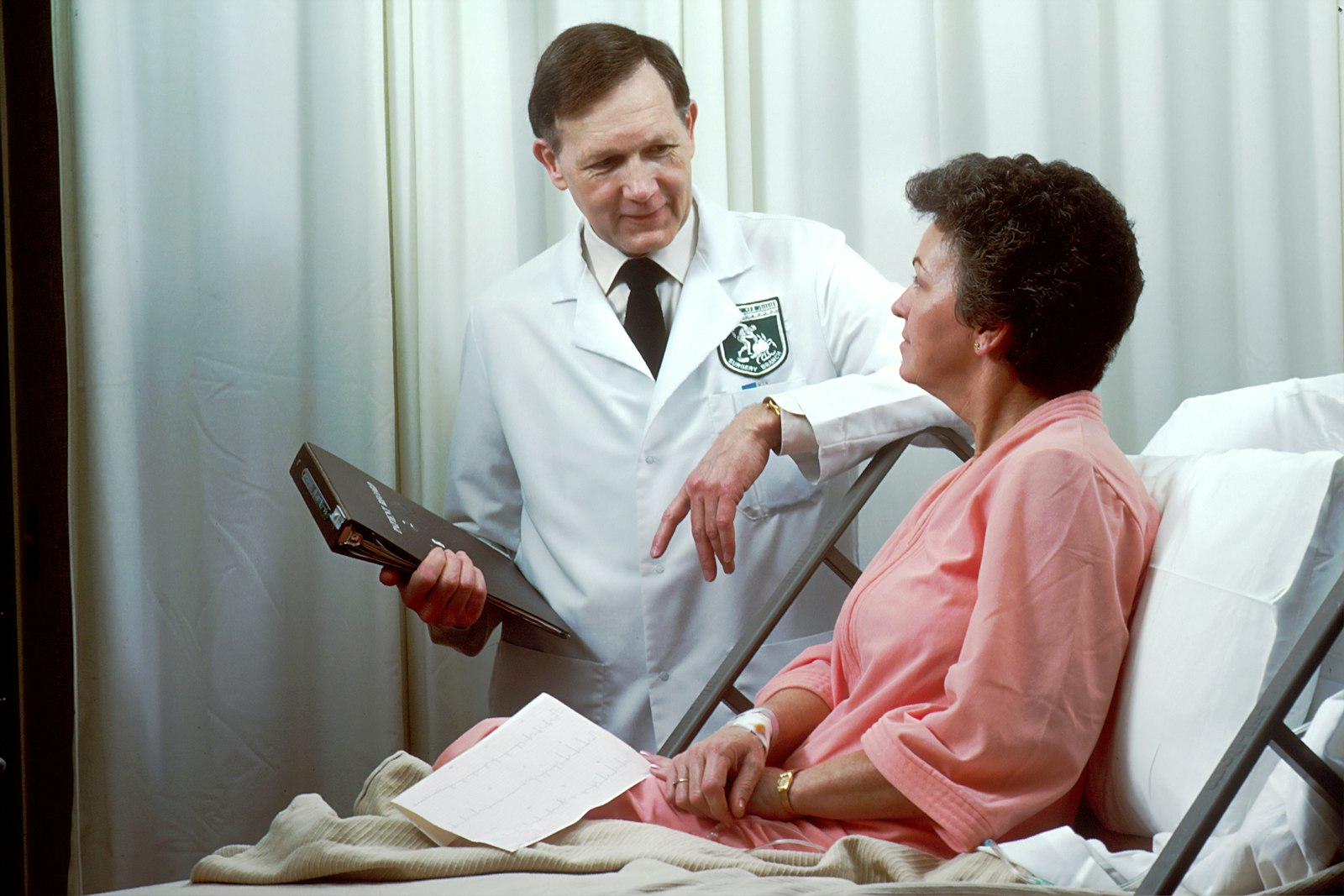
Picture a busy Tuesday morning at a clinic in Surulere, Lagos. A returning patient walks in for a follow-up, but the receptionist is flipping through a cabinet of dog-eared folders trying to find the card with last month's treatment notes. Five minutes pass. The waiting room fills up. The dentist is ready but the chart is missing. Anyone running a Nigerian dental practice has lived a version of this scene, and it is exactly why moving to digital dental records in Nigeria has stopped being a luxury and become a survival skill.
This guide walks you through the full paper-to-digital migration, step by step. No theory, no fluff. Just a practical roadmap a clinic in Abuja, Port Harcourt, Ibadan, Kano, or Benin City can actually follow.
Why Paper Records Are Quietly Costing Your Clinic
Paper feels safe because it is familiar. In reality, it carries risks that grow with every new patient you register.
- Lost or misfiled folders. One misplaced card can mean a whole treatment history gone. There is no second copy.
- Physical damage. Harmattan dust, a leaking roof during the rainy season, or a power surge that ruins a clinic store room. Paper does not survive any of these.
- Slow retrieval. Hunting through a filing cabinet wastes the time of both your staff and your patients.
- No real backup. If something happens to the physical file, there is nothing to fall back on.
- No reporting. Try answering "how much did we collect last month across cash, transfer and POS?" from paper alone. It is nearly impossible without hours of manual counting.
A single set of cloud-stored digital dental records in Nigeria removes most of these problems at once. The information lives securely online, is searchable in seconds, and can be backed up automatically.
Choosing the Right Dental Clinic Software Before You Migrate
Before you type in a single patient name, decide where that data will live. The dental clinic software you choose shapes everything that follows.
For a Nigerian clinic, a few things matter more than fancy marketing:
- Cloud-based access. DentalKing is web-based, so your records are reachable from the front desk, the surgery, and even your second branch in another city. Note that this means a reliable internet connection is a normal requirement. A practical setup is a good fibre line with a mobile-data backup so the clinic stays connected through the day.
- The right modules for clinical work. You need proper Dental Charting and an Examination module, not just a glorified contact list.
- Financial tools that match local reality. Your Naira invoicing must handle the everyday mix of cash, bank transfer, and POS payments, plus part-payments where a family member or sponsor settles the bill.
- Role-based access. Front desk, dentist, and clinic owner should each see what they need and nothing more.
DentalKing covers each of these, which is why the migration steps below map cleanly onto its Patient, Examination, Dental Charting, Treatment Planning, Financial, and Roles & Permissions modules.
The Step-by-Step Migration Roadmap
Step 1: Audit Your Current Records
Start by knowing what you actually have. Pull every active patient folder and sort them.
- Active patients seen in the last 12 to 24 months go in one pile.
- Dormant or one-time visitors go in another.
- Damaged or incomplete cards get flagged for review.
You rarely need to digitize a decade of dusty files on day one. Prioritize active patients first. The rest can be entered gradually or only when a dormant patient returns.
Step 2: Decide What Data to Move
Not every scribble on a paper card needs to travel into your new system. Focus on what drives care and billing:
- Patient bio-data, phone number, and WhatsApp contact.
- Medical alerts and allergies.
- Existing dental charting and past treatment notes.
- Outstanding balances and payment history.
In DentalKing, this maps to the Patient module for demographics and contact details, and Dental Charting for the clinical picture of each tooth.
Step 3: Plan the Data Entry
This is where many Nigerian clinics stall, so plan it deliberately.
- Assign owners. A receptionist or a hired temporary data clerk can handle bio-data and balances. A dentist or hygienist should verify charting and treatment notes, since clinical accuracy matters.
- Batch the work. Set a daily target, for example 20 folders per day, so the task does not overwhelm normal clinic operations.
- Use templates. Enter the same fields in the same order every time to keep the data clean and consistent.
As records go in, you can already begin building Treatment Planning entries for ongoing cases, so the digital file is genuinely usable, not just an archive.
Step 4: Set Up Roles and Permissions Early
Before staff start entering data, configure who can do what. DentalKing's Roles & Permissions module lets you give the front desk access to scheduling and payments while keeping clinical notes and financial reports limited to dentists and the owner.
This protects sensitive information and is simply good practice for any clinic that handles patient data. It also reduces costly mistakes, since junior staff cannot accidentally edit or delete clinical records.
Step 5: Train Your Staff (and Win Their Buy-In)
Technology rarely fails because of the software. It fails because the team was never brought along. Change management is the real work here.
- Explain the why. Show staff how digital records save them from the Tuesday-morning folder hunt. When people see the benefit to their own day, resistance drops.
- Train by role. The receptionist needs the Patient and Financial modules. The dentist needs Examination, Dental Charting, and Treatment Planning. Do not drown everyone in every feature.
- Name a champion. Pick one enthusiastic staff member to be the in-house go-to person for small questions.
Patience here pays off. A confident team is the difference between a system that gets used and one that gathers dust.
Step 6: Run Paper and Digital in Parallel Briefly
Do not switch off paper overnight. For two to four weeks, run both side by side.
During this period, every patient gets entered into DentalKing while the paper card is still updated as a safety net. This builds staff confidence and surfaces any gaps in your process before you fully depend on the system.
Step 7: Go Live and Retire the Paper
Once the team is comfortable and the parallel period is clean, set a clear go-live date. From that day, the digital record is the source of truth.
Keep the old paper folders in safe storage for a while, but stop creating new ones. Every new patient and every new visit now starts and ends in DentalKing.
Step 8: Secure and Back Up Your Data
This is the payoff that paper could never offer. Because DentalKing is cloud-based, your records are stored securely online with automatic backups, so a fire, flood, or stolen cabinet no longer means lost histories.
Combined with role-based access, you get a clear picture of who can see and change what. Your patient data is both safer and more useful than it ever was on paper.
Frequently Asked Questions
How long does it take to switch a Nigerian dental clinic to digital records?
For a single-branch clinic focusing on active patients first, the core migration typically takes a few weeks, including a short parallel-running period. Full digitization of older files can continue gradually after go-live.
Does DentalKing work without internet?
No. DentalKing is a cloud-based, web-based platform, so it needs a reliable internet connection to run. A common setup in Nigeria is a fibre line with mobile-data backup to keep the clinic online throughout the day.
Will I lose my old patient history during the migration?
Not if you follow the roadmap. You keep paper folders safely stored during the parallel period and only retire them once data has been verified inside the system.
Can different staff have different levels of access?
Yes. DentalKing's Roles & Permissions module lets you give the front desk access to scheduling and payments while restricting clinical notes and financial reports to dentists and owners.
Can dental clinic software handle cash, transfer, and POS payments?
Yes. DentalKing's Financial module records invoicing and payments in Naira across the everyday local mix of cash, bank transfer, and POS, including part-payments made by a family member or sponsor.
What if I have more than one branch?
Because the system is cloud-based, authorised staff can work from records across branches in different cities, which makes managing a clinic in both Lagos and Abuja far simpler than juggling separate paper cabinets.
Do I need to digitize every old folder before going live?
No. Prioritize active patients, go live, then enter dormant records gradually or whenever those patients return.
Conclusion
Moving to digital dental records in Nigeria is not about chasing trends. It is about never losing a patient history again, finding any chart in seconds, and finally seeing clear reports on how your clinic is performing. The paper-to-digital switch is very manageable when you audit first, choose the right dental clinic software, train your team, run a short parallel period, and lean on secure cloud backups with role-based access.
DentalKing was built for exactly this journey, with a Patient module, Dental Charting, Treatment Planning, and Roles & Permissions ready to carry your clinic off paper for good.
Ready to leave the filing cabinet behind? Book a free demo of DentalKing and see how quickly your clinic can go paperless.